Studer monitoring app
a quick glance at your key system performance indicators from your device
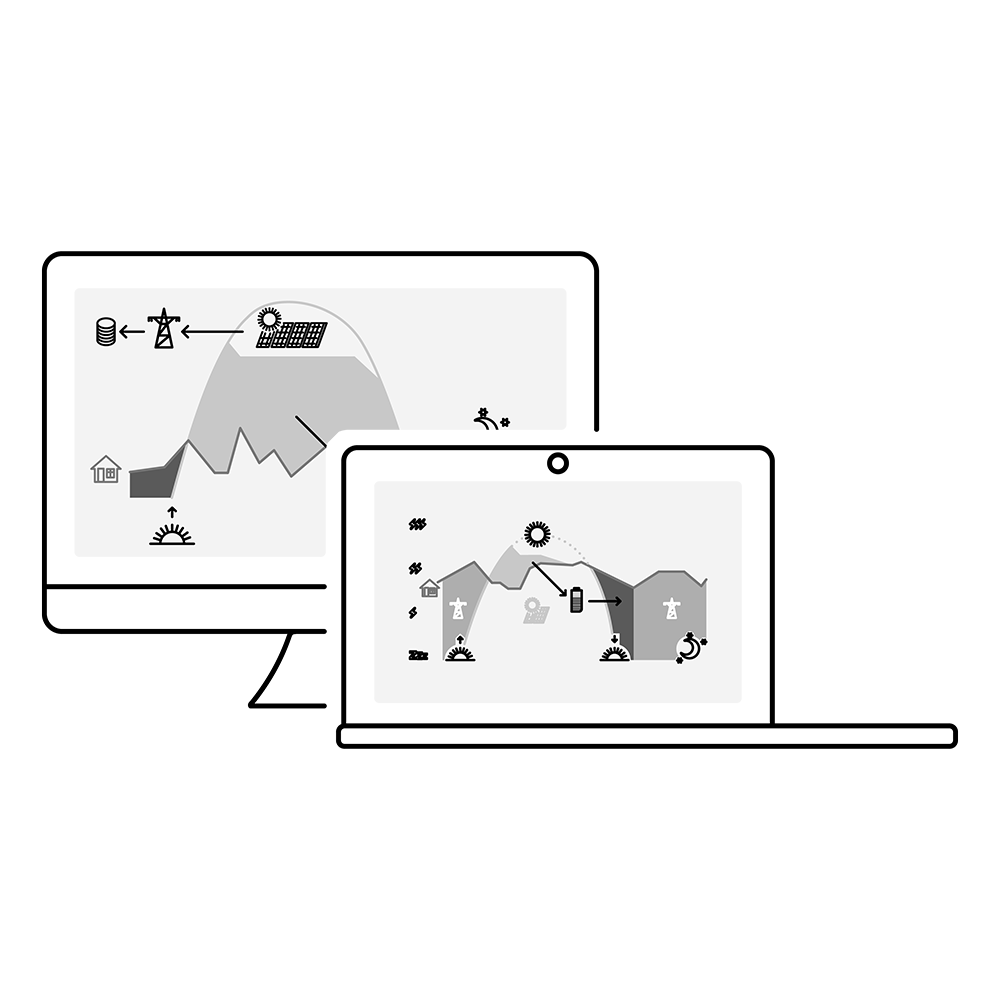
Studer web portal
remote monitoring and control with technical details for professionals and advanced users
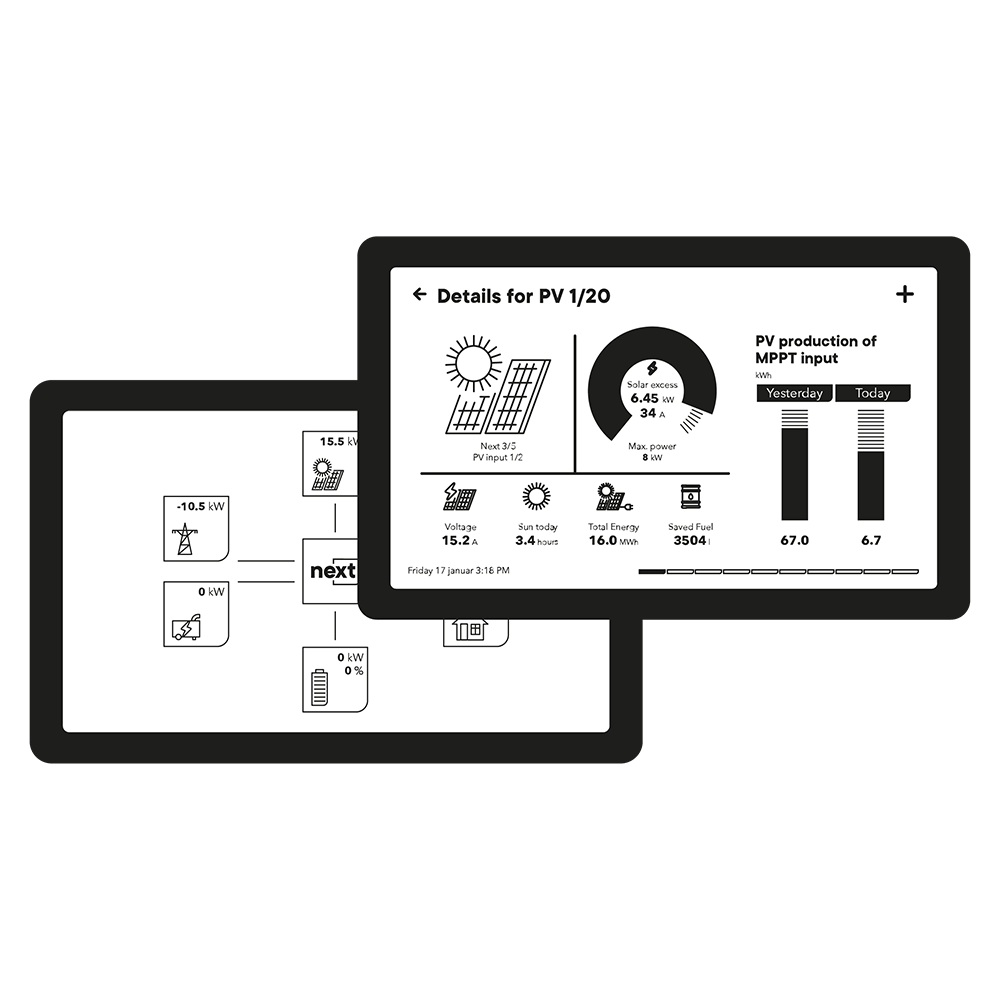
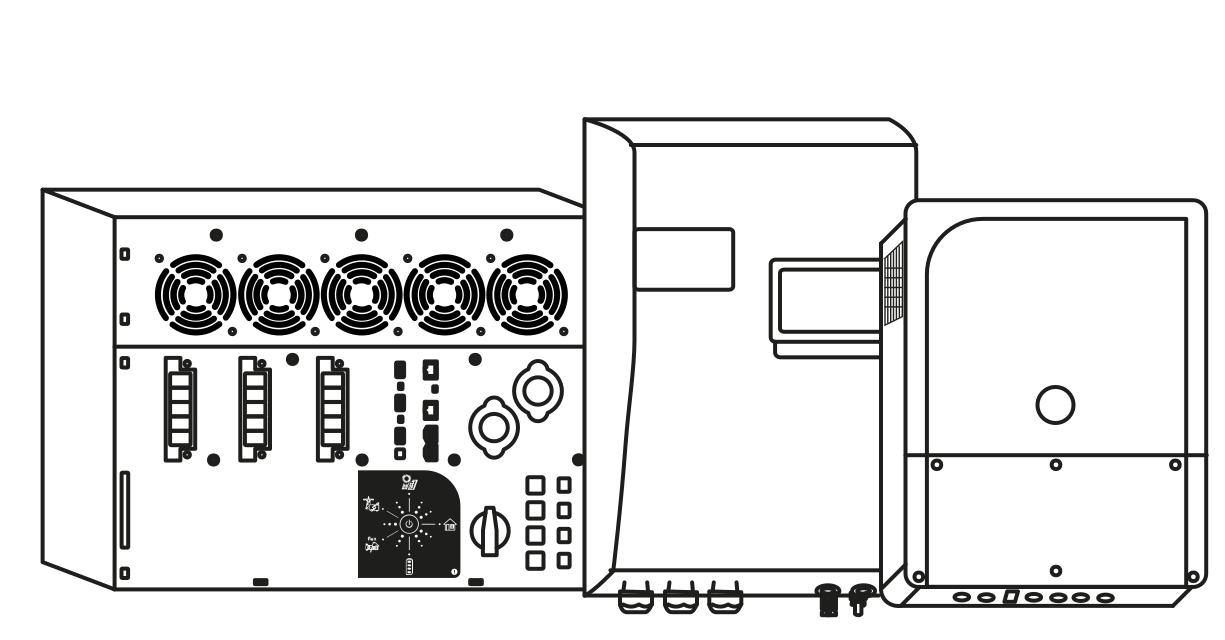
On site user interface
the gateway to configure, control and monitor your Studer system
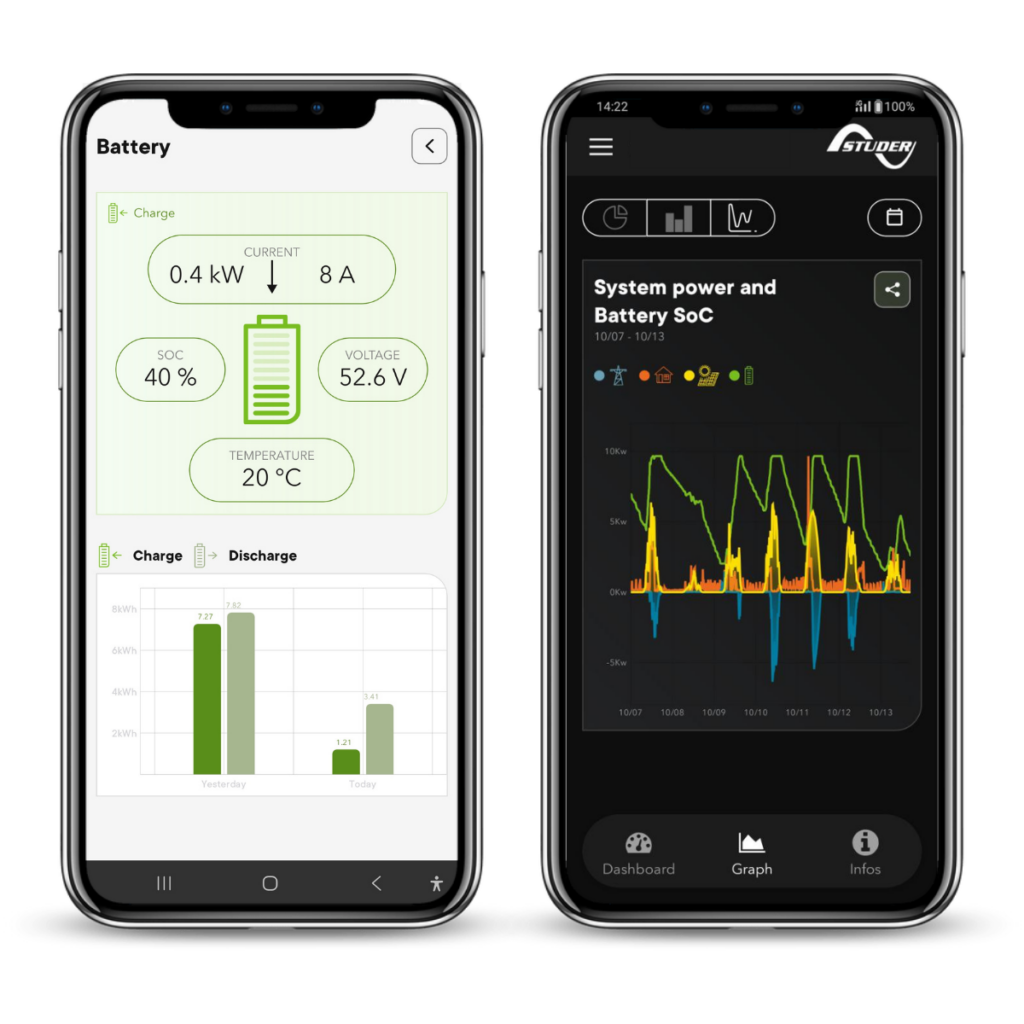
Studer monitoring app
A quick glance at your key system performance indicators from your device.
We offer the Studer monitoring app completely free of charge because we believe that reliable, professional, and complete monitoring should be a standard, not an option.
Seamless and intuitive monitoring experience
Designed to offer a seamless and intuitive user experience, the Studer monitoring app allows you to keep an eye on your energy system wherever you are. As long as your installation is connected to the internet, you can access key data and monitor all aspects of your system remotely.
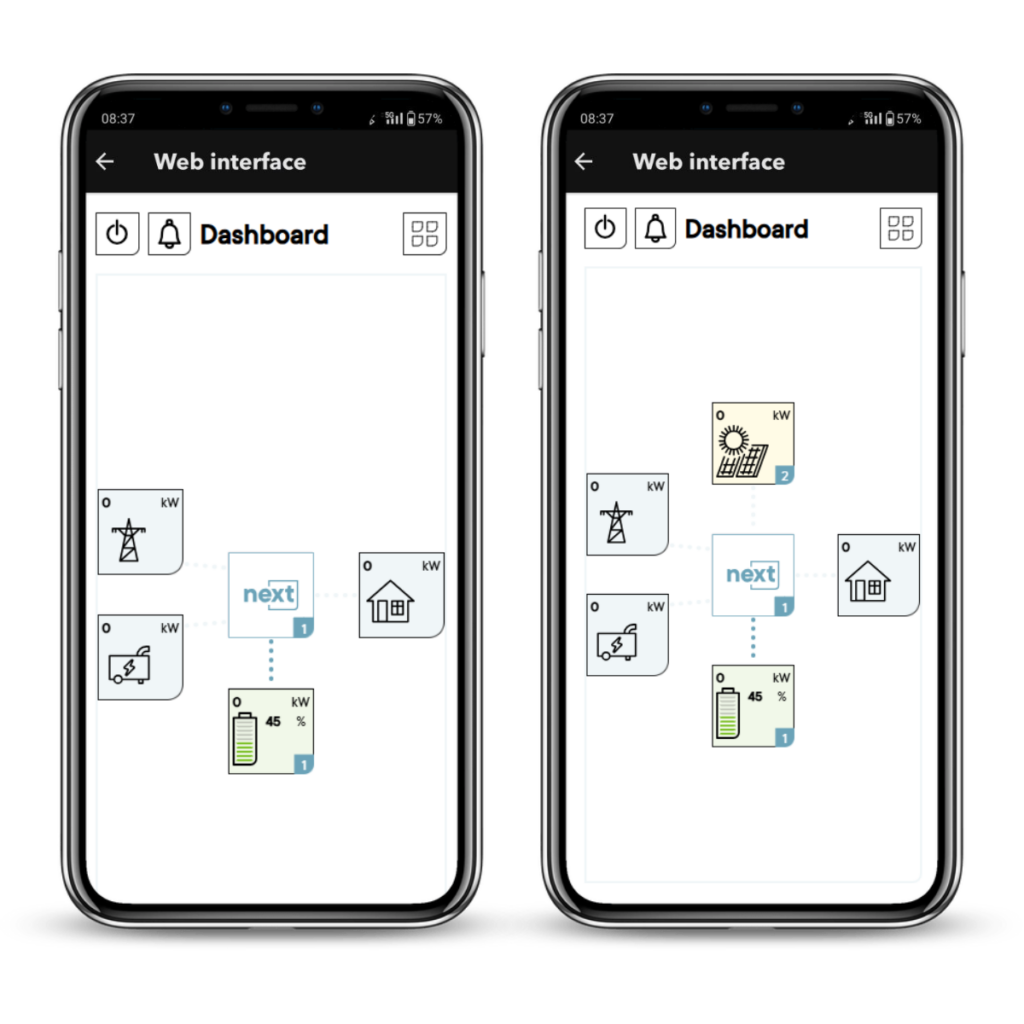
The Dashboard tab provides a visual overview of all energy flows within your system. It displays information on solar production, energy consumption, and grid export, as well as the total energy generated and consumed during the day. This data can also be compared with that of the previous day.
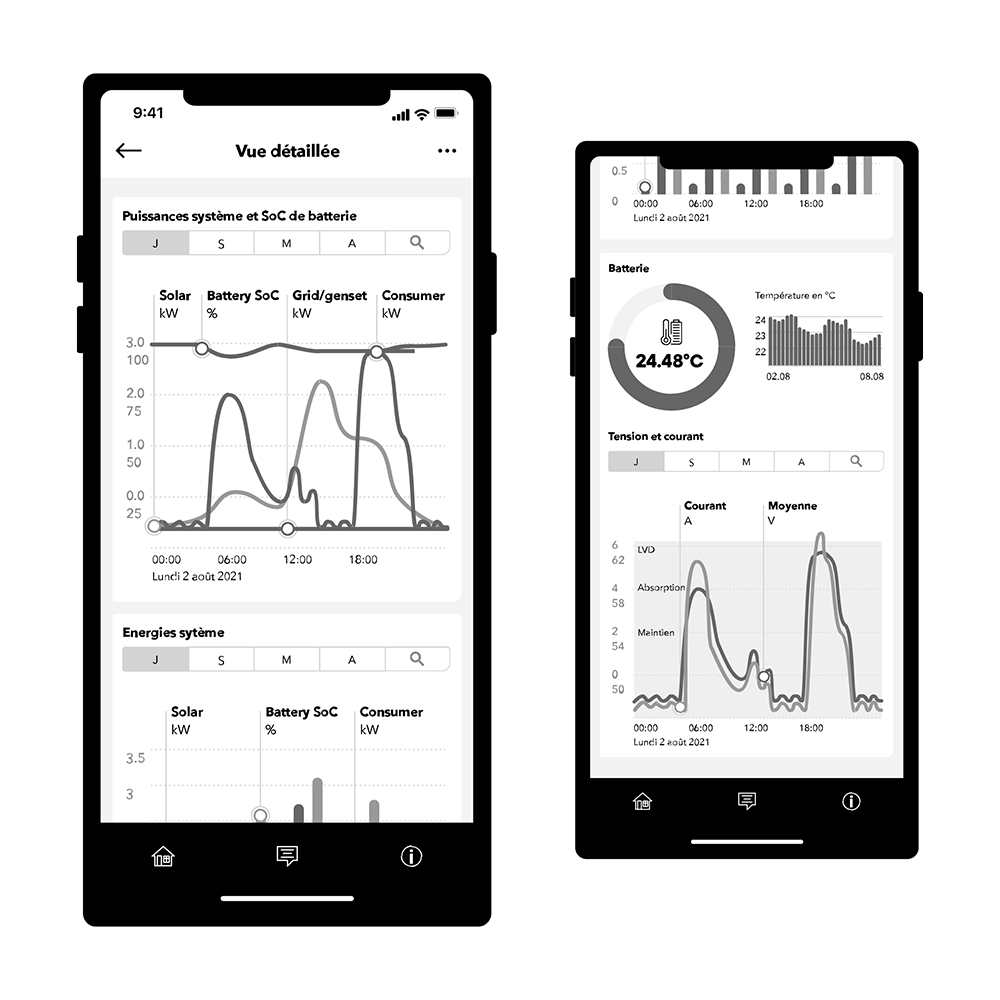
The Graphs tab enables a more detailed analysis of your installation, while the Info section provides information about your system, event messages, links to the Studer portal, and other useful resources.
Download the “Studer monitoring app”
Basic features
Check live system status
Monitor real-time power, energy flows, and battery status at a glance.Visualise energy flows
Get a clear overview of all energy flows within your system, including solar production, battery charging and discharging, grid import and export, and energy consumption.Analyse historical data
Access detailed power and energy graphs to review system performance and analyse past trends.
Advanced features
In-app commissioning wizard for the next1
The app guides you through connecting to the next1 Wi-Fi access point and completing the device commissioning process. Your installation is automatically created in the Studer monitoring system and paired with your device.In-app software updates
Update the software of your next series devices directly from the app.Access the local web interface
Access the web interface of your next device to configure advanced settings and parameters when connected to the same local network.View system messages and diagnostics
Monitor system messages to understand what is happening within your installation and simplify troubleshooting.Quick access for Studer support
Grant temporary access to your installation to the Studer support team for faster troubleshooting and assistance.Open support tickets directly from the app
Contact our support team by e-mail with a single tap. Your installation ID is automatically included, helping us identify your system and assist you faster.
Advanced features for the next series of inverters
In-app configuration wizard for the next1 inverter
Set up your next1 inverter-chargers with the studer monitoring app, scan the QR code on your device and follow the wizard.
In-app software update for the next series
Update devices of the next series easily, directly from your smartphone, as long as your installation is connected to the internet.
Web interface, the physical nx interface is in your pocket
With every next inverter-charger, you can access nextOS directly from the app via the button located in the Info section. This feature works when you are on the same local network as your device. Remote access to the web interface without being on the same local network is currently available via the Studer portal and will soon be available directly from the app.
The web interface allows you to view and configure your installation exactly as if you were using the physical user interface, the nx interface.
Accessing the web interface through the app is quicker and more convenient than connecting to the device’s Wi-Fi access point and manually entering its IP address in a web browser. It also simplifies the commissioning process.
Download the “Studer monitoring app”
Studer web portal for professionals
Full remote monitoring and control for professionals and advanced users.
We offer the Studer web portal completely free of charge because we believe that reliable, professional, and complete monitoring should be a standard, not an option.
Visit our portal and test it with the demo account
Monitoring your installation via the portal is available automatically and without any additional cost when the installation is connected using either xcom LAN/4G for the xtender range or to the internet for the next range. Try the demo account using the button below.
A portal with a wide range of functionalities
- Live view of a system’s consumption and production
- Graphic views of the system’s operating history
- Consult the logbook of events and alarms
- Remote control of the system, including programming possibilities
- Receive notifications by email
- Add the contact details of the client and of the installer
- Share the monitoring of installations and manage the access rights to the different functionalities.
- Give access to the installation to the support team of studer
- Store pictures of the installation (useful to remember how the installation is)
- All data history is downloadable as a standard .csv file
- Import data saved on SD/USB of installations not connected to the internet for analysis
Key benefits of remote monitoring
The monitoring system is a very helpful tool during commissioning. You can share the installation with technicians or even our support team for assistance while you are on intervention at the site. Once the installation is running, it is possible to analyze the system behavior and adjust the configuration to correct deviations and anticipate issues before they appear. You can easily prepare system reports for your clients, advising them about their system performance and proposing the next maintenance task to be conducted.