


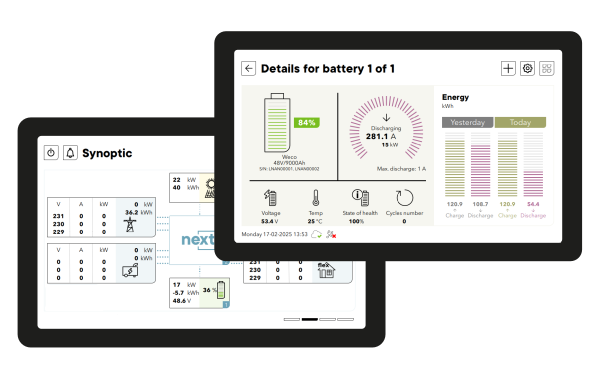


The gateway to configure, control and monitor your studer system on site.
A very nice 7″ touch screen to interact with the next series. Some clients still like to have a real dedicated screen to monitor and see what happens in their system.
It offers a comprehensive visualization of the energy system, with live powerflux, detailed electrical values, historical system graphs, and event messages. It allows access to the modification of the settings with built-in documentation and easy software upgrade process.
The nx interface has different access levels and for commissioning a configuration assistance wizard.
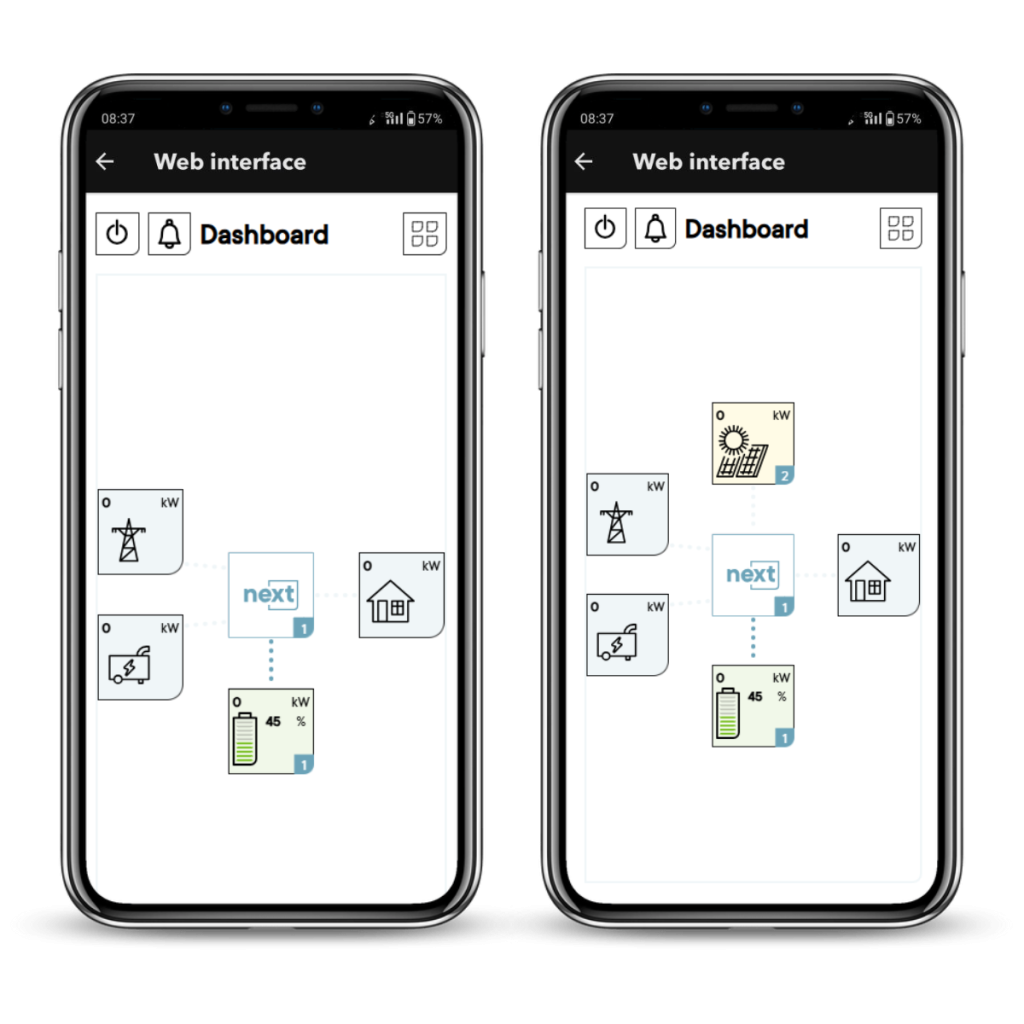
The interface is in your pocket.
Every next1 has the equivalent of the nx interface displayed as a web interface via the Studer monitoring application.
This is the default and cost-effective way of setting up and controlling the next1, and the alternative to a dedicated physical screen. It can be viewed from your phone, tablet and pc and works with or without the internet: the next1 inverter creates its own access point.
The web interface is also available with the nx interface that is supplied next3 inverter.
The rcc 02/03 is the remote control center for an xtender system, where all the system configuration and information is centralized. You can easily configure every device in the installation, update your system firmware and troubleshoot the installation. A SD card reader is available and allows datalogging, parameters recording, as well as the uploading of various pre-settings and of all future updates.
A datalogger function is integrated in the rcc 02/03 and xcom accessories. The main electrical values are saved on the SD card.
Attached to this function, Studer offers a free analysis tool, xtender multitools in the format of a Windows executable, allowing all recorded data to be collected and to display them graphically. The data are then easy to read and understand at a glance. You can download the xtender multitools in the downloads section under the software section.