


Enabling the remote control setting allows you to control your system via the Webportal, web services and the mobile app. This setting is required, for example, to use the ‘Smart Control’ function or to make changes to your system remotely.
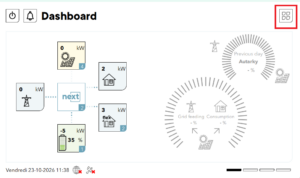
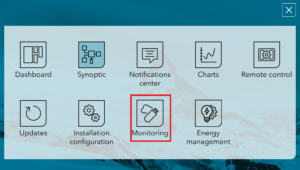
- On the nx interface, go to the Monitoring menu.
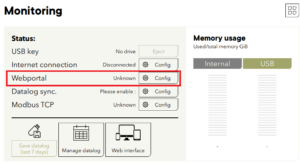
- On the line of the Webportal, press the “Config” button to open the Webportal configuration screen.
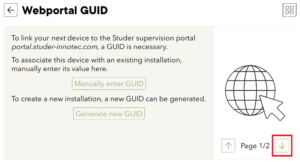
- Go to page 2/2 and enable the option “Allow remote control from Webportal”.
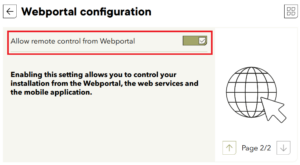
Now your installation can be remotely controled.