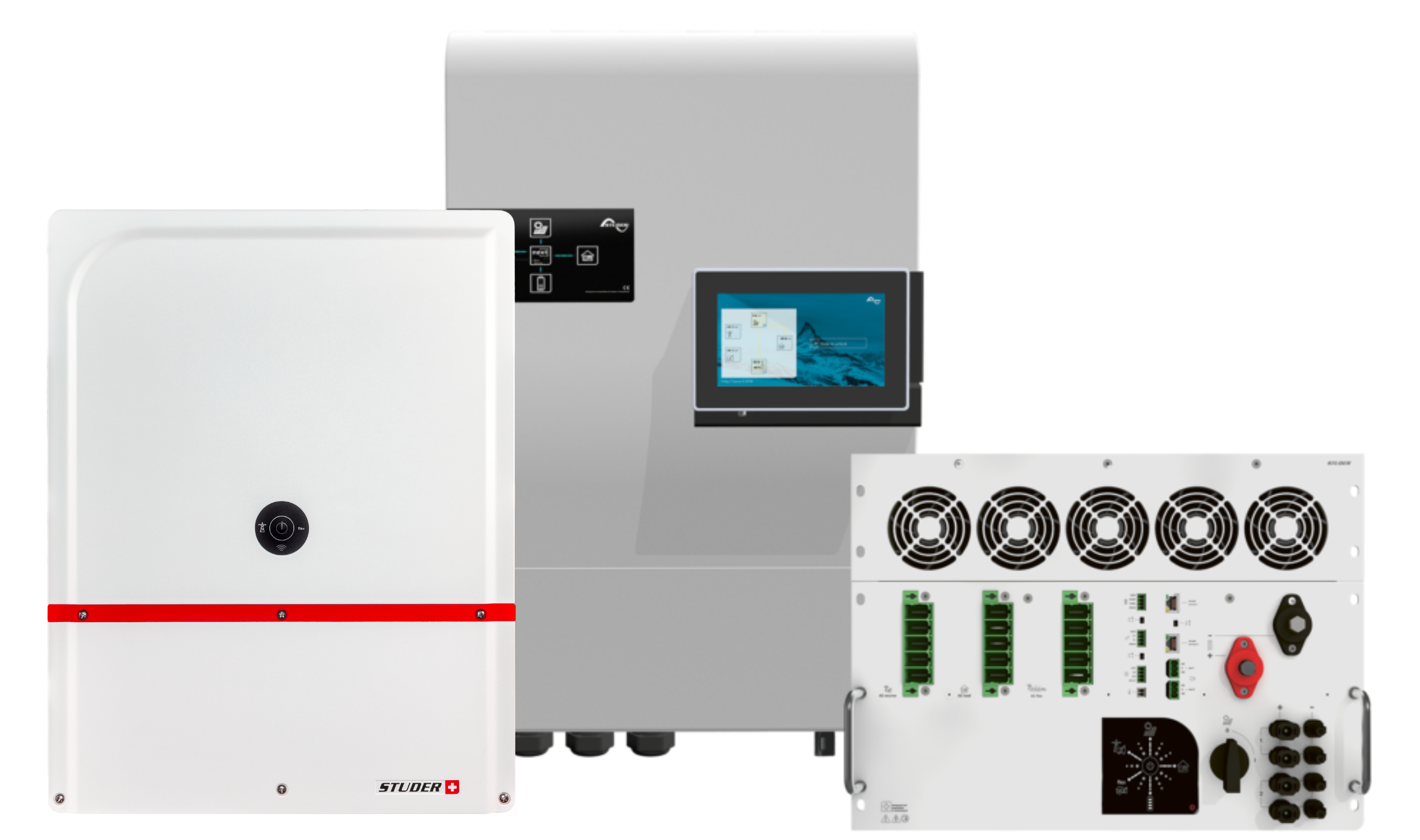
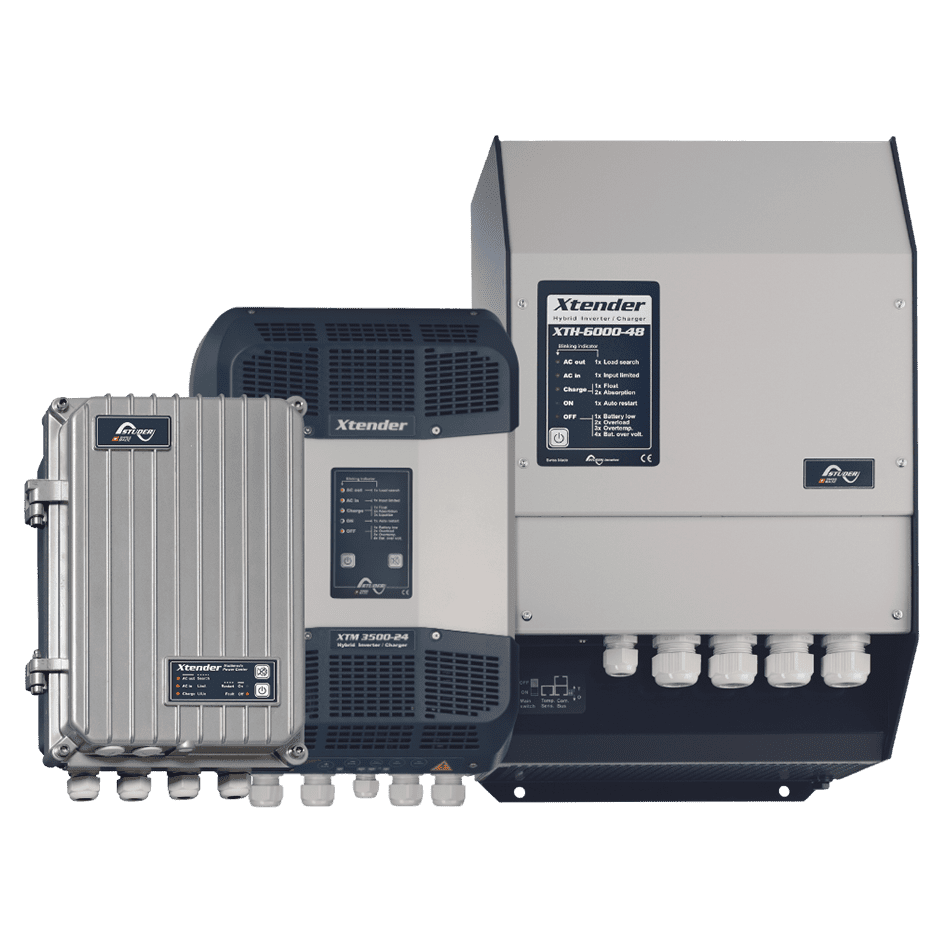
Find the section that meets your needs
We advise final users to contact their installer or a partner first.
Check the downloads section, the FAQ where you could find comprehensive technical documentation, user manuals, frequently asked questions that could help you identify an issue, solve problems and guide you through configuration and data analysis.
The power electronics are supplied by the energy coming from the battery. Please make sure that you check the battery status.
Your studer device is the center of your energy system, responsible for managing the energy flows between the different parts.
Monitoring and energy management tools are at your disposal for analyzing the behaviour of your energy system.
Analyze your system data for the last days and weeks in case of an event using the studer monitoring portal or any other monitoring tool available.
Even if your installation is not connected to the internet, data is saved locally on your device’s SD card (xtender series) or USB stick (next series) and can be upload to the portal.
Sharing the monitoring data with our technical support team can also help us to identify the issue and provide a better service.
Answers users questions using the product manuals and documentation. This is currently in BETA for tests.
ChatGPT can make mistakes, please always take the time to consult the original documentation directly.